
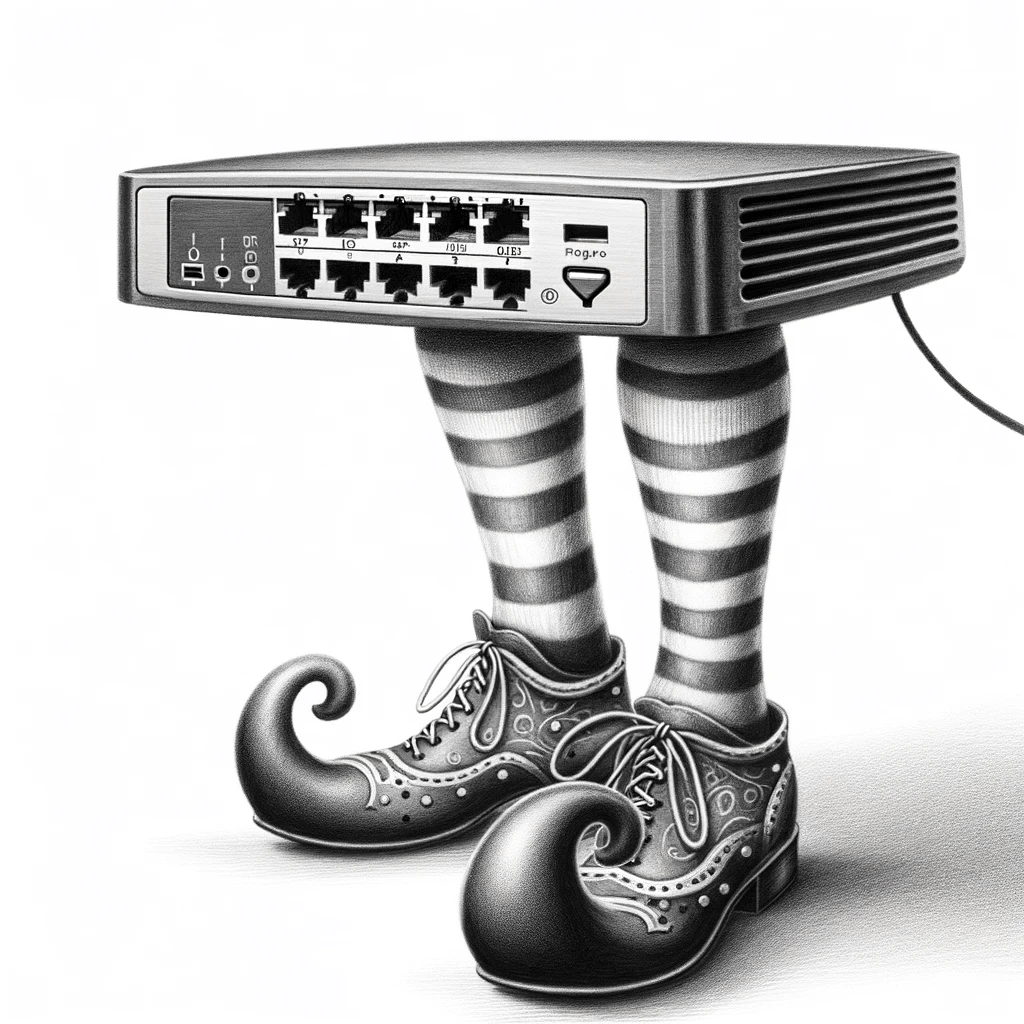
Illustration: Reputation Monster: Imagined by DALL-E

Large organisations can be excellent at what they do, but then be let down by minor backwaters of their business. Maybe even parts which they outsource but which retain their branding, or even which they consume as a “white label” service/product which is then given their branding. But if it has the organisation’s name on it, then poor quality will reflect back upon the organisation – so these arrangements need to be approached with care, due dilligence, and through extremely careful requirement specifications.
Great Products with Ragged Edges
When it comes to Internet connectivity for myself & my company’s sites, I have tended to use my own router because of the general tendency of ISP-provided ones to be (and stop me if I get too technical here) fundamentally crap, and severely limited in the sorts of functionality that I require from them.
However, having purchased a 1Gbps Fibre To The Premises (FTTP) link from Vodafone (yay, no more copper outside of the premises), I decided to use their router. After all, with a top-notch service like this, surely the quality of the router would match, n’est pas?
When configuring a router to match one’s own existing non-trivial network, there are two obvious things which need to be changed: the LAN-side IP address, and the associated netmask. My own LAN-side networks are all RFC1918 addressed and each site uses a /16 range to enable different types of device to be logically grouped together, each within their own /24. Not exactly rocket science, and makes the process of rules allowing traffic over the site-to-site VPNs so much simpler.
I was a little surprised to have to set the router UI into “Expert Mode” just to be able to change the LAN interface’s IP address, but ok, if that’s what it takes. Hold on a minute though… the netmask can’t be edited. WTF?!
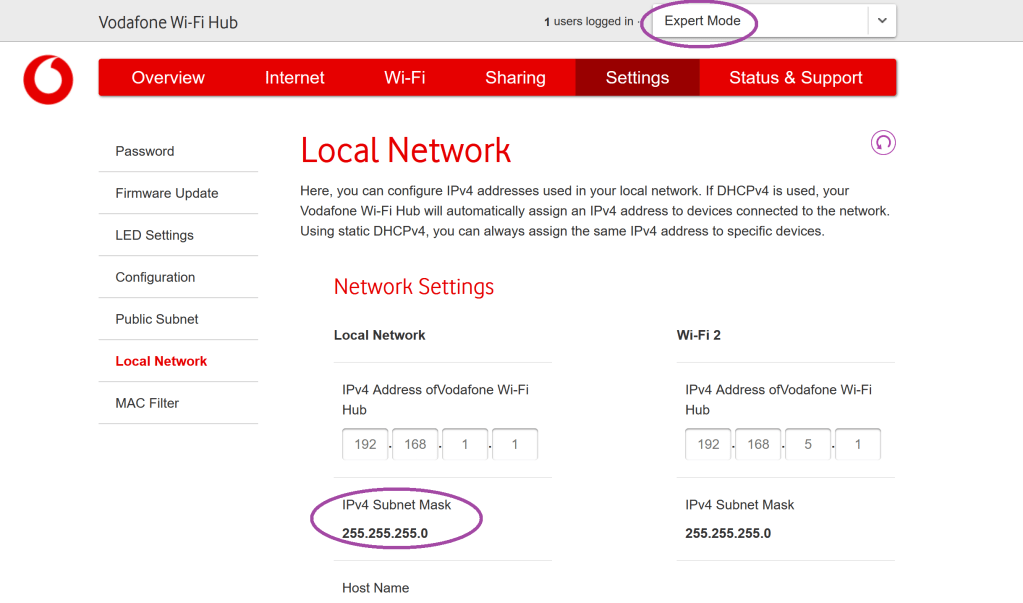
This is most perplexing and confusing. On the one hand, the router happily does IPv6 as well as IPv4v (see below) which would be useful since the FTTP connection provides both IPv4 and IPv6 connectivity. On the other hand, I’ve NEVER (in over 30 years of dealing with TCP/IP networking) met any device dumb enough that I could not change the netmask at all. Some only let you select from a drop-down of /8, /16, /24 but I could live with that.
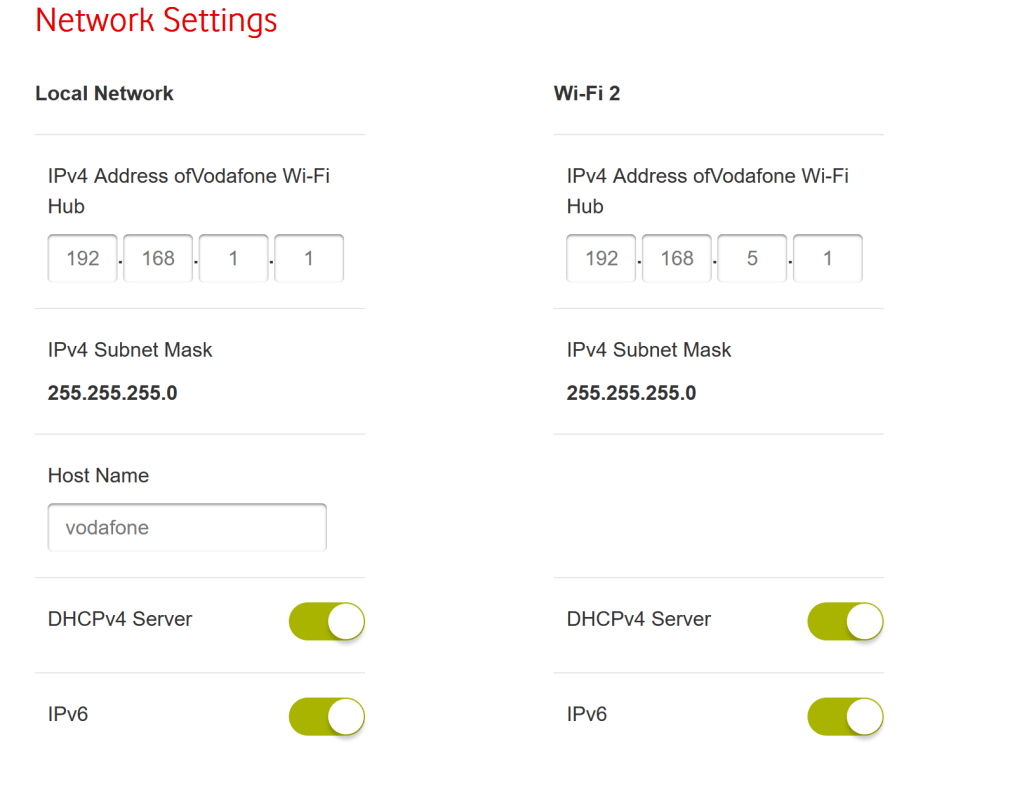
I spoke with the alleged technical support. Can it be changed? No, and no one has ever asked to. (This I simply do not believe.) Surely 254 hosts should be enough?
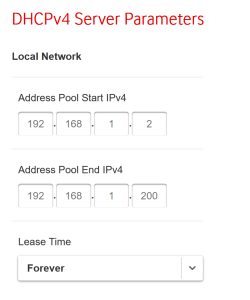
You might think so. But given that Android devices tend to use a random MAC address, and the default DHCP lease time is “Forever”(!), how long is it going to take to burn through the entire range? That’s not even considering rigs running large numbers of experimental VMs, for example. What happens when the range is exhausted, I wonder? Reboot the router and reset the meaning of “Forever” I suppose.
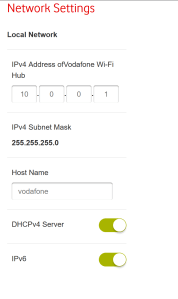
Maybe, I think, it infers a netmask from the range set. Dumb, yes, but I could work with that. I test this by setting the LAN interface to an address within the RFC1918 range 10.0.0.0/8.
The netmask stubbornly remains 255.255.255.0 – that is, a /24.
This is officially the worst router configuration UI that I have ever met personally.
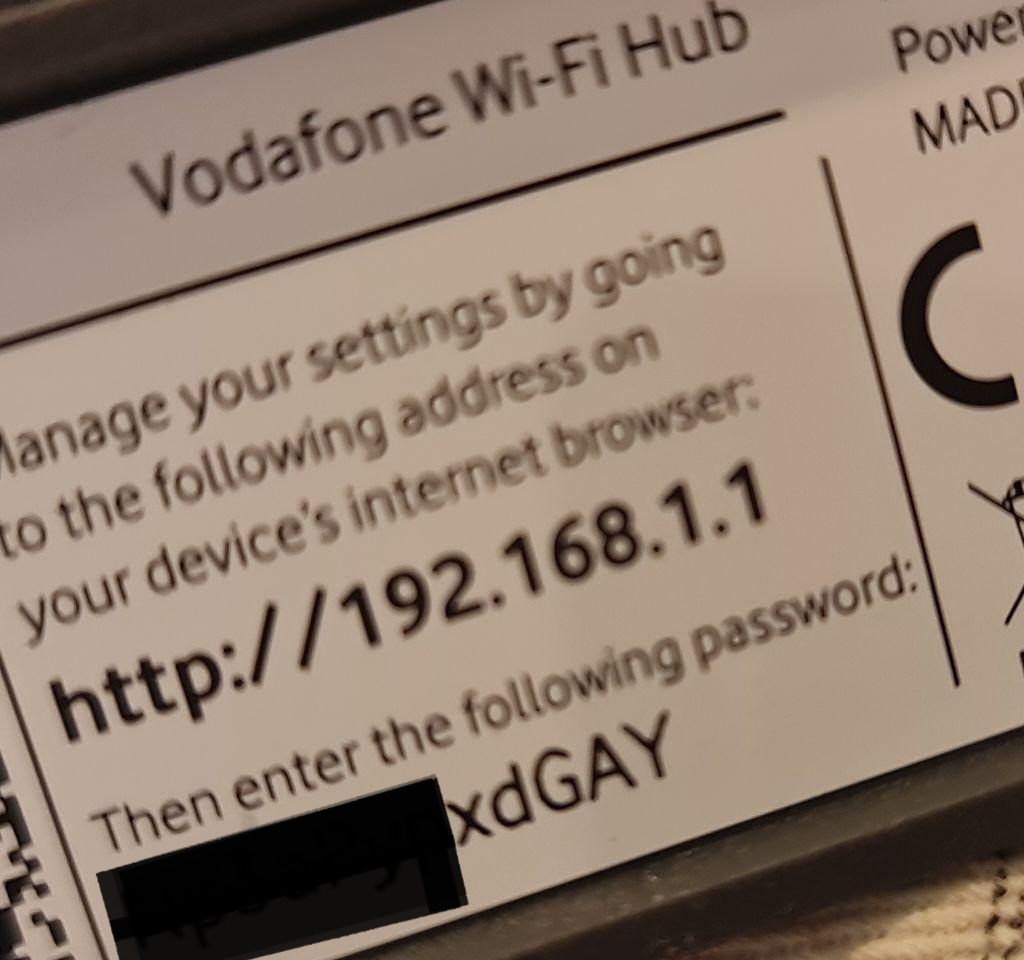
And whilst we’re looking at reputation-impacting matters, didn’t organisations start filtering out real words from randomly generated credentials years ago to avoid embarrassment?
It’s all a bit shoddy, isn’t it. And whose name is on the box?
There’s no place like ::1
Thus the supplied router is consigned to a dusty shelf (since if there is a problem with the line, the ISP will insist on the original router being connected before they’ll admit to a service problem), next to an old but expensive & working modem (approved for use in over 100 countries!)
All that’s needed to use my own router are the network credentials. The ones which the ISP’s own website FAQs explain can be obtained from technical support. Sadly, the support person I get denies that such a thing exists, tells me to use the WiFi credentials printed on the label on the router, tells me that no one else has ever tried to use their own router, tells me that no one in the entire ISP will be able to provide these credentials, and is so lacking in knowledge that it takes me over an hour to prise these credentials from (what feels like) the ISPs dead, cold, clamy hands.
Start as you mean to go on
Overall, not an inspiring start. Quality Control severely lacking in several areas. A shame really, because I know that this company is highly capable and has some genuinely brilliant people working for it.
Remember, for a large organisation, reputation loss impacts the whole organisation and not just the part which caused it.
Consider Carefully
If you really wish to outsource or used white-label products, then you need to factor in not just the visible cost savings, but also building in effective Quality Control, and the potential risks to your reputation. Without taking into account these additional items, the balance may well be inappropriately tipped towards such a move when the reality is likely to be more nuanced.
 Gânduri Eclectice - Eclectic Thoughts